
HubSpot wasn’t built for senior living. It was built for long sales cycles with lots of touchpoints, and that describes senior living well. Families research for months, talk to several people on your team, and often go quiet before they’re ready. A system that connects your marketing and sales in one place helps you keep every one of those conversations going.
This guide covers the three biggest benefits of HubSpot for senior living operators, how to set up its CRM for your communities, and when it makes sense to get outside help.
Three benefits of HubSpot for senior living
1. Publish helpful content families are searching for
HubSpot started as a tool for publishing and optimizing content, and that’s still at its core. Seniors and their adult children need to learn about senior living, and the first place they look is Google. If you publish content that answers their questions, you show up in search and become a trusted source, so when the family is ready, your community is the one they remember. (See How Inbound Marketing Shortens the Senior Living Sales Cycle.)
2. Prove what marketing and sales actually produce
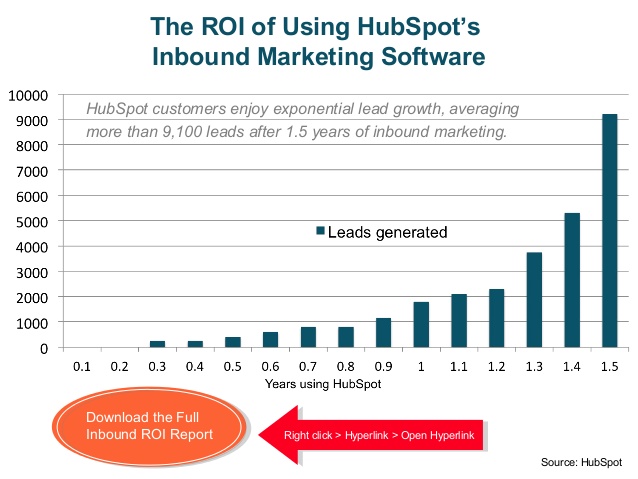
Because HubSpot’s marketing tools and CRM live in the same system, you can follow a family from the first website visit to move-in: where they came from, what they read and downloaded, when they toured and when they moved in. That lets you calculate cost per lead, cost per tour and cost per move-in by channel, the figures senior living executives care most about, and put budget where it works.
3. Automate follow-up
Following up, qualifying leads and booking tours take up a large part of a sales director’s day. HubSpot can take over much of the routine work: an automatic email when a family downloads a guide or submits a form, lead scoring, nurture sequences that offer more information and invite them to book a visit, and task reminders so no follow-up gets forgotten. Your sales team spends more of its time on the families who are a good fit.
HubSpot Research found that salespeople spend only about a third of their day actually talking to prospects, with the rest going to email, data entry, research, internal meetings and scheduling.
How to set up HubSpot’s CRM for senior living
1. Start with the free CRM
HubSpot’s CRM has a free version, and you can add marketing and sales features later as you grow. Start with the minimum you need and expand once your team is using it consistently.
2. Connect your team’s email
Connect each salesperson’s Gmail or Outlook inbox so emails with families are logged on the contact record automatically. You’ll see every conversation in one place, track when emails are opened, and can set up templates for the emails your team sends again and again, which saves a lot of time.
3. Add senior-living properties
Generic contact records aren’t enough. Add custom properties such as care type (independent living, assisted living, memory care), move-in timeline, who the search is for (themselves or a loved one), and key details from the first conversation.
4. Set up simple deal stages
Deal stages show where every family is in the process and where things stall. Keep them simple. A typical setup:
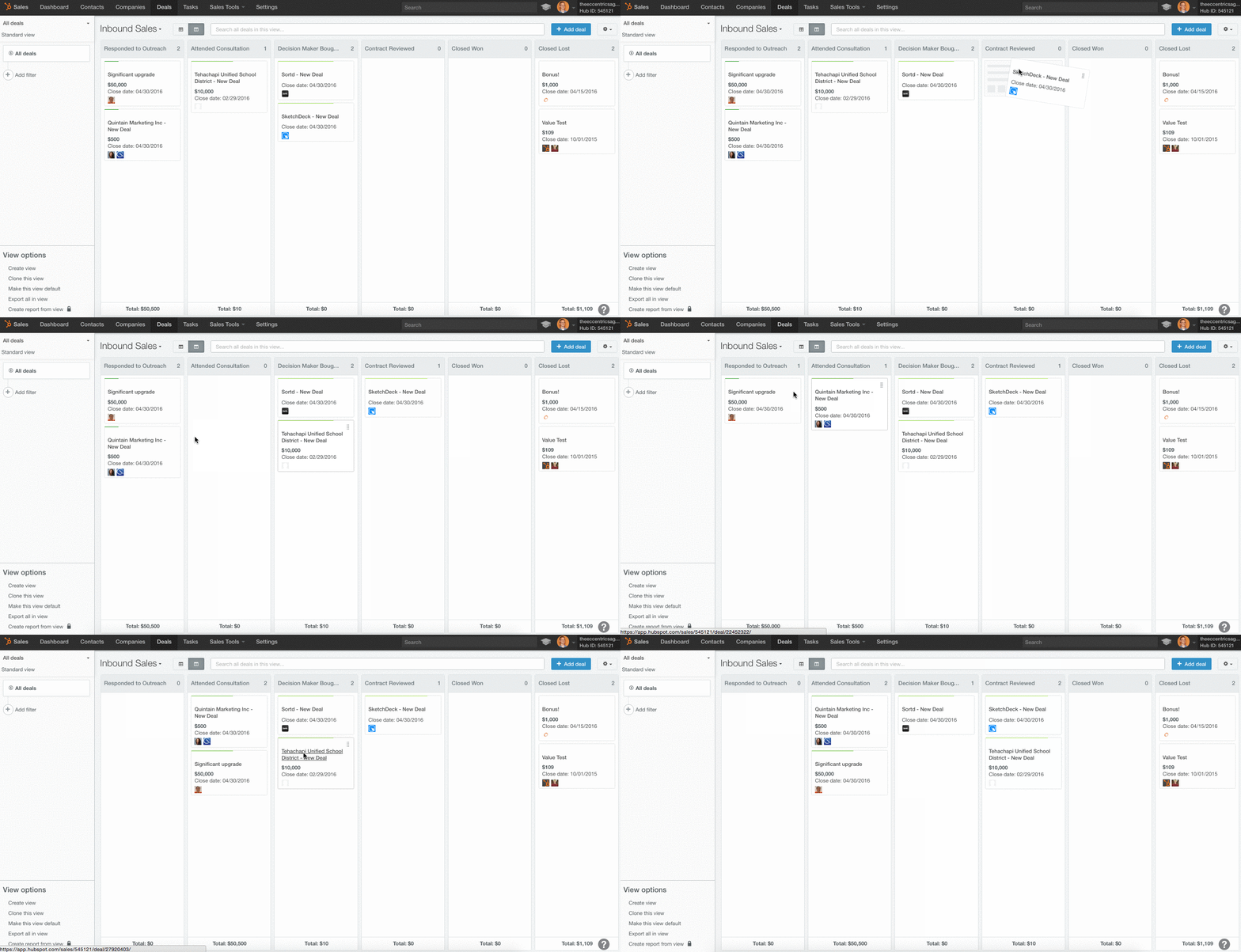
- Lead: a family submits a form, calls or comes in from a referral source. Nurture emails can start here.
- Tour scheduled: after the first conversation, once the family looks like a good fit. Notes from that call help whoever gives the tour plan it around the prospect.
- Tour completed: the moment to follow up personally.
- Deposit received: a strong sign the family is about to move in.
- Move-in completed: closes the loop, so you can trace the move-in back to the search, content and campaign that started it.
5. Import your existing contacts
Bring in your current contacts, companies and open deals from a spreadsheet or CSV file so everything lives in one place from day one. Clean up duplicates first.
6. Assign leads and track activity
Assign each family to a salesperson, and use tasks, reminders and due dates to keep follow-up on schedule. Managers can see each person’s activity and conversion rates, which makes coaching easier and brings sales and marketing closer together.
For a broader look at choosing a platform, including when a senior-living-specific CRM is a better fit, see How to Choose the Best CRM for Senior Living.
When to get help from a HubSpot partner
HubSpot is flexible, but none of it comes configured for senior living. Setting up properties, deal stages, integrations with referral sources and phone systems, automation and reporting takes skills that one in-house marketer rarely has all of: strategy, content, design, marketing technology and reporting.
A partner agency that works in HubSpot every day brings those skills together, along with lessons learned from other operators. You can also see its results clearly in your own reports, so it’s easy to judge whether it’s working.
NextWave is a certified HubSpot partner agency focused on senior living. We help operators set up HubSpot, build follow-up processes their teams actually use, and get reporting that shows what’s producing move-ins.
Key takeaways
- HubSpot fits senior living’s long sales cycle by joining marketing and sales in one system.
- Its biggest benefits are helpful content, closed-loop reporting and automated follow-up.
- Set up email integration, senior-living properties and simple deal stages first.
- Start with the minimum you need and grow into more features.
- A partner who knows both HubSpot and senior living can shorten setup considerably.
If you’re setting up HubSpot or want to get more out of the one you have, book a call with NextWave.
Related reading: How to Choose the Best CRM for Senior Living · How Speed-to-Lead Became the Easiest Unfair Advantage in Senior Living