
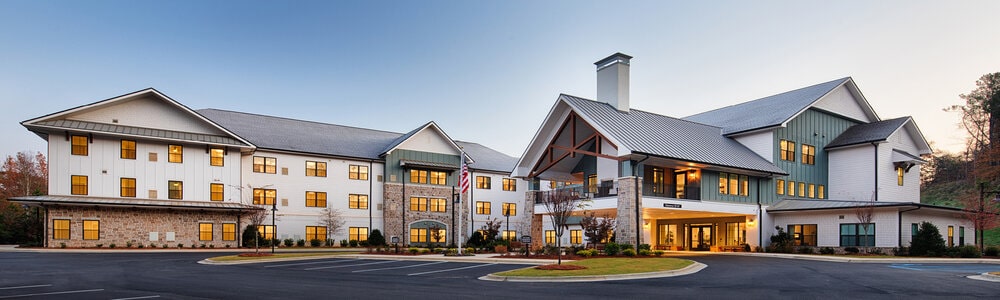
Your website is your community’s best salesperson. It works around the clock and is often the first place a family meets you. But many senior living websites still act like online brochures. They look fine, but they do not turn visitors into leads.
Here is how to turn your website into a lead generator, from attracting the right visitors to the calls to action that get them to raise their hand.
Know who you are trying to reach
Before you change anything, get clear on who your visitors are. Often it is the adult child, not the future resident, who does the research. A simple way to learn what matters to them is to ask your current residents and their families what drew them to your community, what worried them and how they found you. Turn the answers into two or three personas and write your website for them.
Attract visitors with content built around their questions
Families search Google with questions such as “how to know if my parent needs assisted living”. Each helpful blog post or page that answers one of those questions is another chance to be found. Use the words families actually search for in your page titles, headings and copy, and update your content regularly.
Share that content on social media and in a monthly email to your contact list. Email works best as a nurturing tool: send useful content, not just promotions, so families stay in touch until they are ready to visit.
Paid search can also bring in families who are actively looking. Target specific search terms and send the clicks to a page that matches what they searched for.
Make your website work on every device
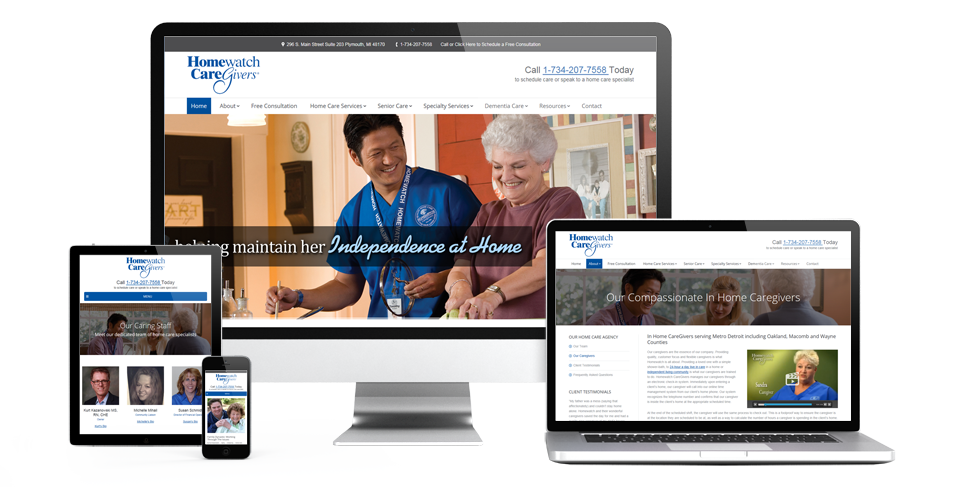
Most families will visit your site on a phone. Make sure it is responsive, loads quickly and is easy to read and use on a small screen. Google also favours mobile-friendly sites in its results.
Show real people, not stock photos
Photos of your actual residents, staff and spaces build trust in a way stock images never will. Video does even more. A short tour or a testimonial from a resident and their family lets visitors picture life in your community. Put your best video where visitors will see it, ideally near a “Schedule a tour” button.
Add reviews and testimonials throughout the site, not just on one page. Families want to hear from people like them.
Use calls to action that match the visitor’s stage
A call to action, or CTA, is the button or link that asks a visitor to take the next step. Good CTAs are short, start with a verb and ask for a small commitment. “Download the guide” will get more clicks from a first-time visitor than “Sign up for an appointment”.
Match the CTA to where the visitor is in their decision:
- Awareness: they have just realised there may be a problem. Offer a guide such as “How to know if your parent needs assisted living”.
- Consideration: they are comparing options. Offer “How to choose the right senior living community” or a pricing guide.
- Decision: they are ready to act. Offer “Schedule a tour” or “Talk to our sales director”.
Place each CTA on a page whose content matches the offer, and put a form on the landing page so you capture the lead.
Measure what visitors do
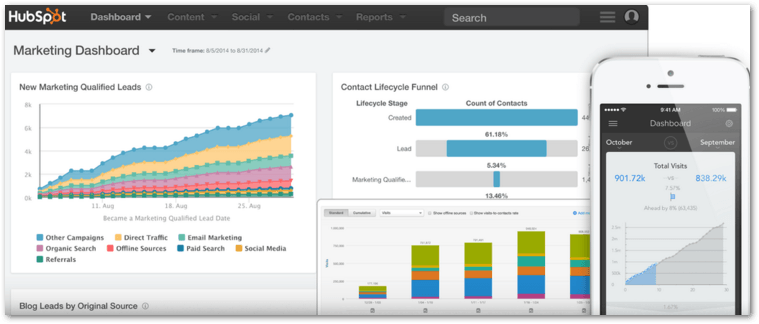
Do not guess how people use your site. Use Google Analytics or HubSpot to see which pages they visit, where they come from and which CTAs convert. Then do more of what works and fix what does not.
Then follow up fast
A website lead is only worth something if someone contacts it quickly. Families often fill out forms for several communities at once, and the first helpful response usually wins the tour. Make sure every form submission goes straight into your CRM and gets a call from a real person as soon as possible.
At NextWave, we turn senior living websites into lead generators and make sure every lead gets a fast, human follow-up.