
What Is an AI Re-Engagement Workflow for Senior Living Leads?
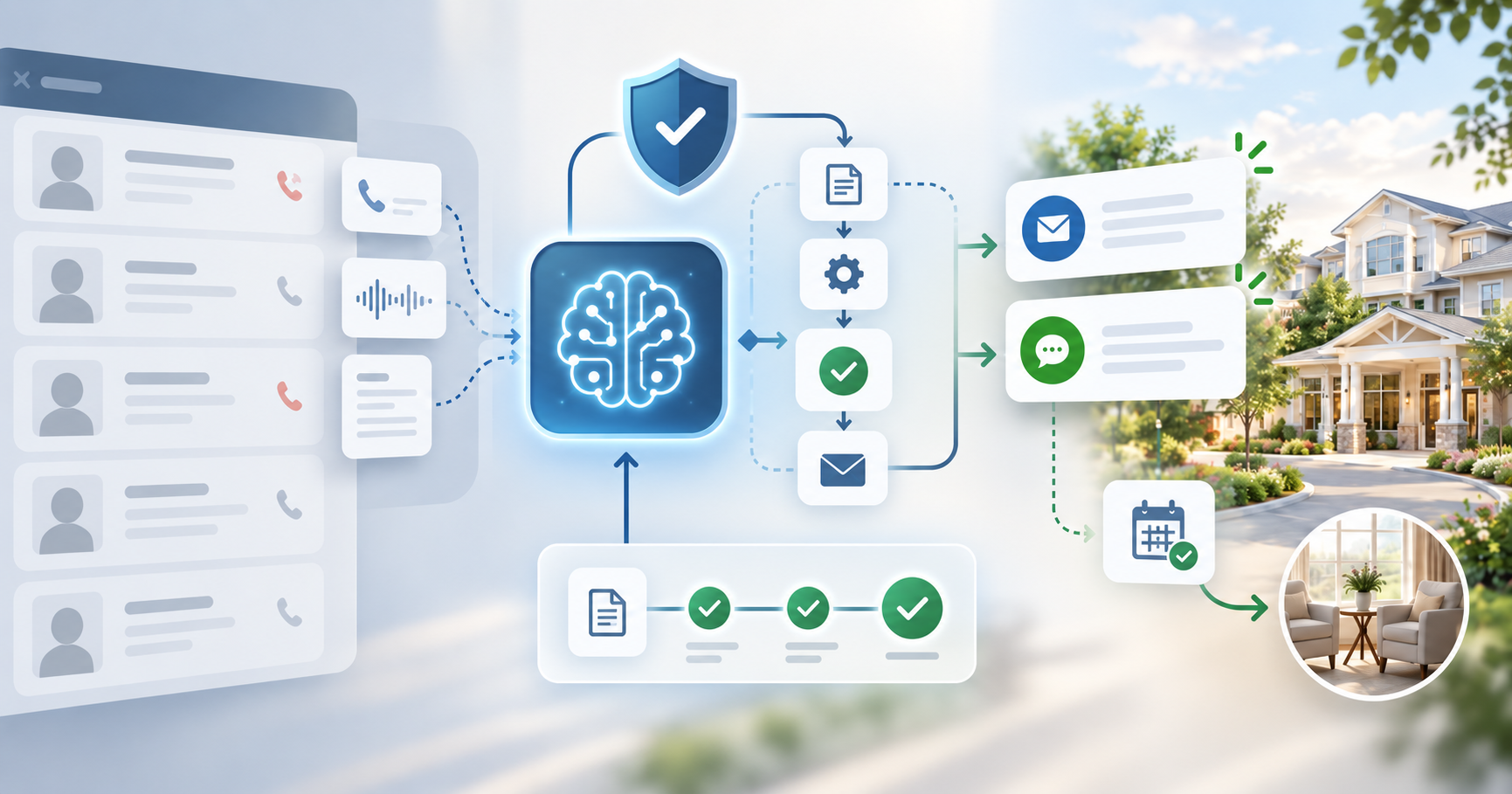
An AI re-engagement workflow pulls old call transcripts and summaries that are already sitting in a community’s CRM, and uses AI to draft a follow-up email or text based on what that specific prospect actually said, not a generic template.
In NextWave’s own secret-shop audit of 150 senior living communities, 42% made zero phone call attempts after an inquiry came in, and the industry average sits under two follow-up attempts total, against the 7 to 9 it typically takes to convert a contact into a tour.
Those uncontacted and under-contacted leads are exactly what this kind of workflow is built to revive, using the interaction history a community already paid to generate instead of new ad spend.
Why Does Re-Engaging Cold Senior Living Leads Matter?
Every lead sitting cold in a CRM was already paid for once, through ad spend, a referral fee, or a marketing budget that generated it in the first place.
Senior living raises the stakes further. According to USR Engage’s 2026 marketing benchmarks, 75% of prospects choose the first community they speak with. Every week a lead goes unworked is a week a competitor’s community becomes that first conversation instead.
However, some families start researching ahead of time, so the sales cycle with them may be months in the future. Re-engaging them at a later date can still lead to a tour or move-in if you have a system in place to message them.
What Has to Be in Place Before You Can Run an AI Re-Engagement Workflow?
To run a re-engagement campaign it’s important to be able to utilize the data in your CRM, which requires a foundation:
- A phone system connected to the CRM, so calls log automatically instead of getting entered by hand.
- Every call recorded, with a transcript and summary attached to the contact record.
- A workflow or automation layer inside the CRM that can actually read that history and generate messages from it.
The benefit of AI re-engagement workflow automation is the personalization it allows you to do at scale. If you don’t have your conversations recorded and this level of detailed data available, you won’t be able to effectively build these workflows.
How to Choose an AI Re-Engagement Workflow for Senior Living Leads, Step by Step
Step 1: Confirm Your Current Tech stack, Especially the CRM and Phone System Can Actually Support an AI Re-Engagement Workflow
Check for the three pieces above. If you don’t have the tech that supports this, but want to run re-engagement workflows in the future, make sure you get the tools that can support this type of work.
Step 2: Set Explicit Guardrails on What the AI Can and Can’t Say
Guardrail research from Jeeva.ai found that one in three enterprises using AI in outbound sales have had a hallucination incident actually reach a customer.
When you’re building the guardrails for what the AI will do, ensure that you create detailed and custom instructions that explicitly state what it can’t say. This is really important to be detailed and organized in this step to ensure you minimize hallucinations.
Step 3: Keep a Human in the Loop for Every Message During the Pilot Phase
As part of our process during the pilot phase, we personally review everything that the AI is going to send, before it sends it, and re-train it along the way, until we’re as close to 100% confident as we can be that it’s going to send good messages. With the rule-based prompts and the iteration, our goal is that we catch any messages that are incorrect or have issues, and repair them for future versions.
Step 4: Test an AI Re-Engagement Workflow on a Small Batch Before Scaling
Turning a tool on and letting it message thousands of past prospects unsupervised on day one is how a workflow like this turns into a liability instead of an asset. We recommend starting with a sample size of about 100 contacts. Have the AI write the emails and texts to queue up, but personally review all of them.
Common Mistakes With AI Re-Engagement Workflows for Senior Living Leads
- Rolling out AI re-engagement to a full lead list without reviewing small batches
- Letting AI operate without guardrails or rules on what it can or can’t say
- Running the workflow on leads that didn’t have a recorded conversation / transcript available
Frequently Asked Questions
Do I need a full CRM overhaul before I can run an AI re-engagement workflow?
Not a full overhaul, but you do need calls connected to the CRM, transcripts attached to each contact, and a workflow tool that can actually read that data.
What happens if an AI re-engagement workflow gets something wrong, like a price or availability detail?
That risk is exactly why a detailed custom prompt restricting what the AI can and can’t say, paired with human review of every message during the pilot phase, matters more than how advanced the underlying model is.
How many leads should go into the first batch of an AI re-engagement campaign?
About 100 sample contacts, all reviewed against the original call transcripts before anything scaled further.
Should every cold lead get re-engaged with AI, or just some?
The strongest candidates for an AI re-engagement workflow are leads with a real, recorded conversation already attached. That’s the material the AI actually has to work with.
Alan Duro, Partner & COO, NextWave
If you want a clear read on where your own follow-up process actually stands before you build an AI re-engagement workflow on top of it, NextWave offers a free audit of your follow-up process.